iPad · Finger or Apple Pencil
A real binder,on your iPad.
Flip the lever. Move a sheet. Snap it back in.
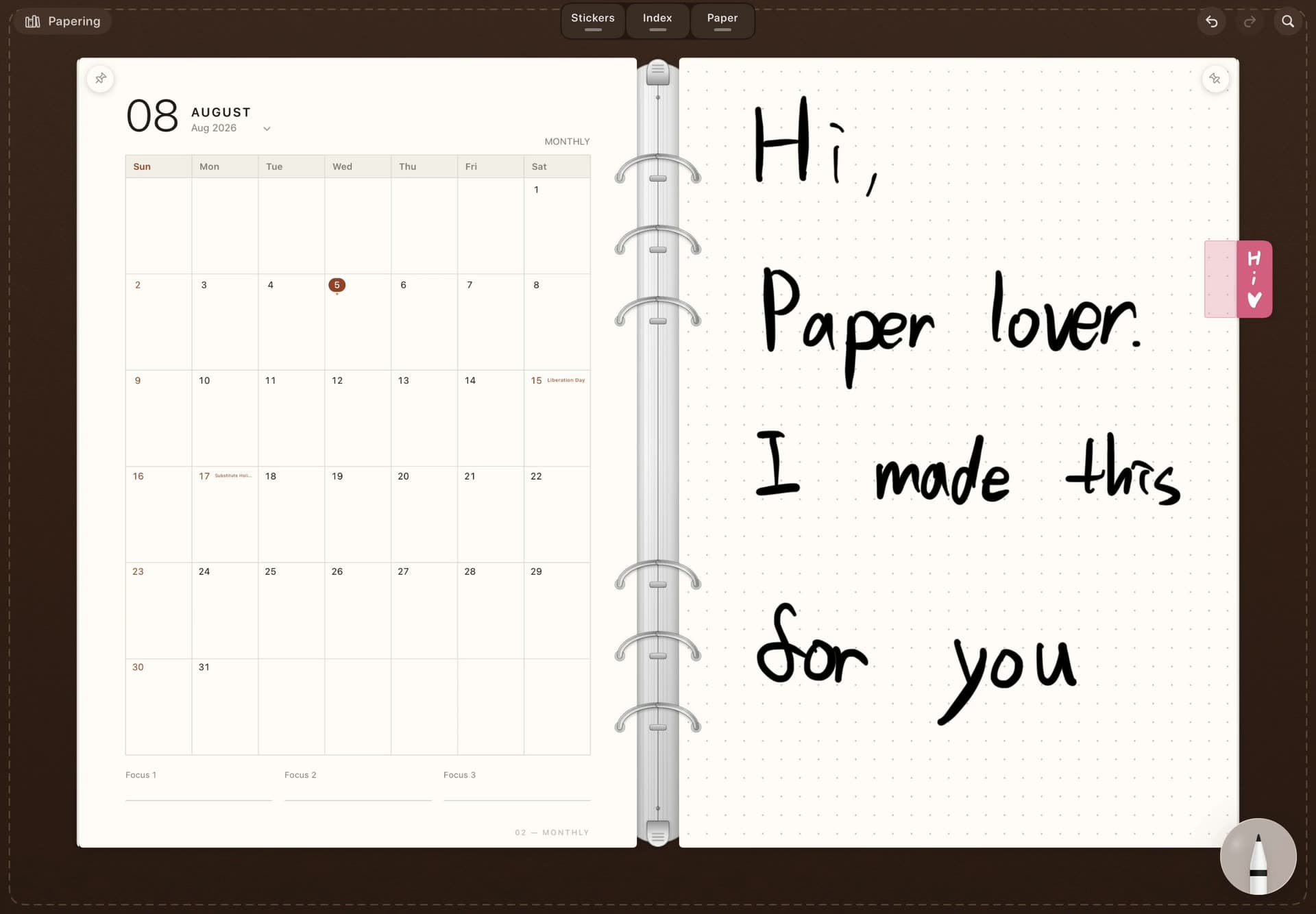
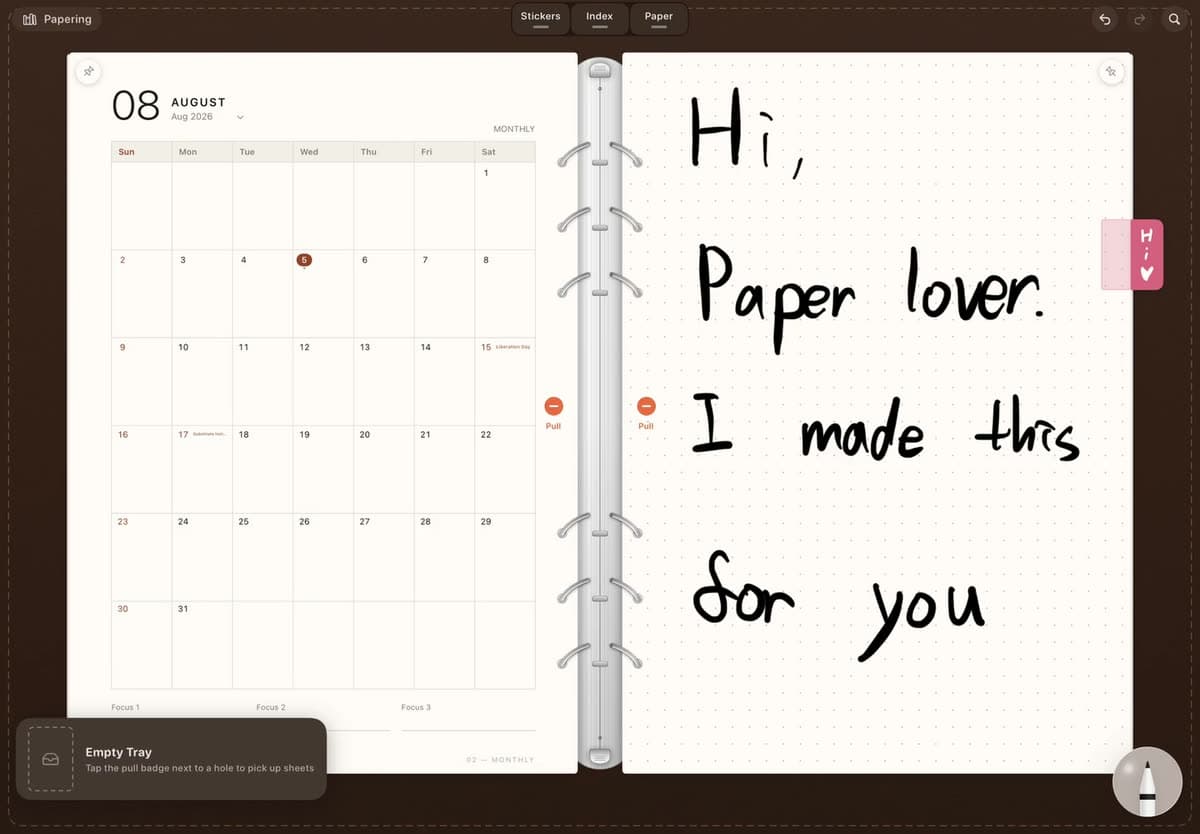
Move sheets freely
Pull it out. Move it. Snap it back in.
Flip the lever and the rings open. Rearrange a sheet, move it to another binder, then snap it back wherever it belongs.
Page turns
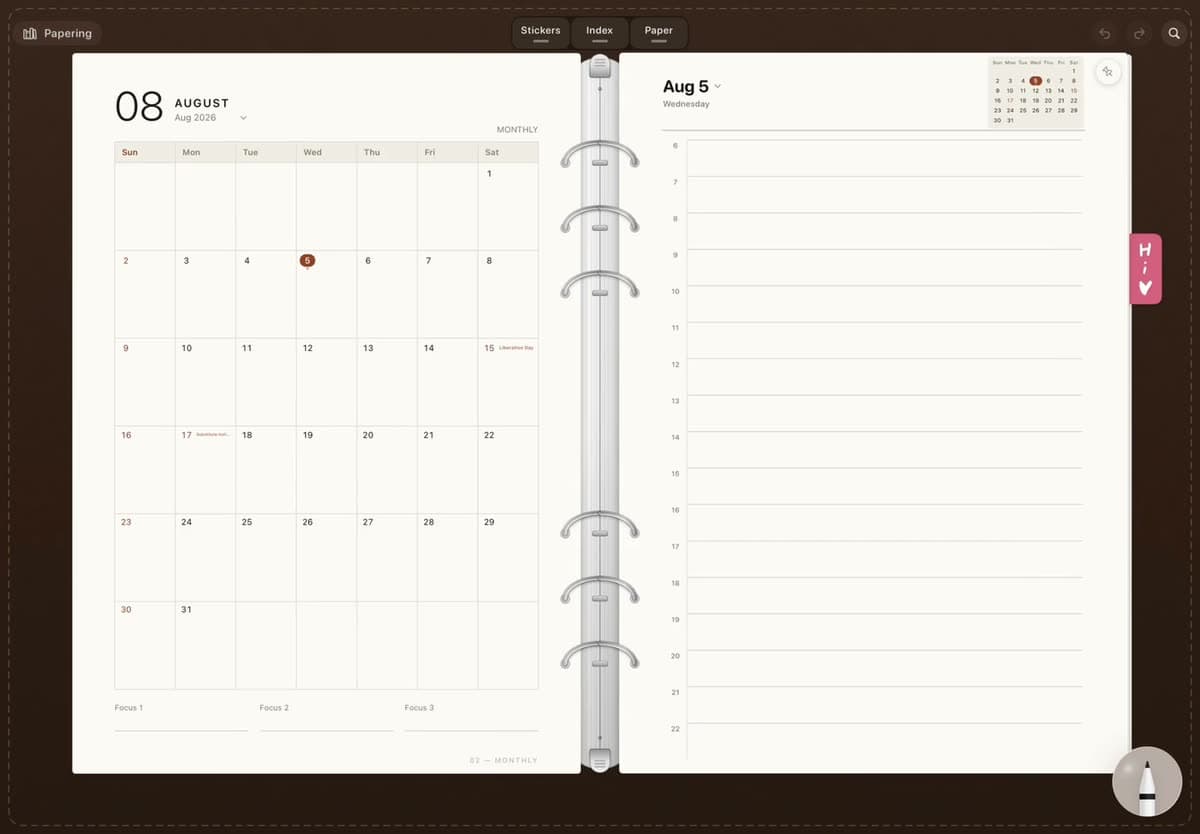
The paper turns.
Instead of sliding across the screen, a sheet follows your finger and turns over the rings.
Upright and open
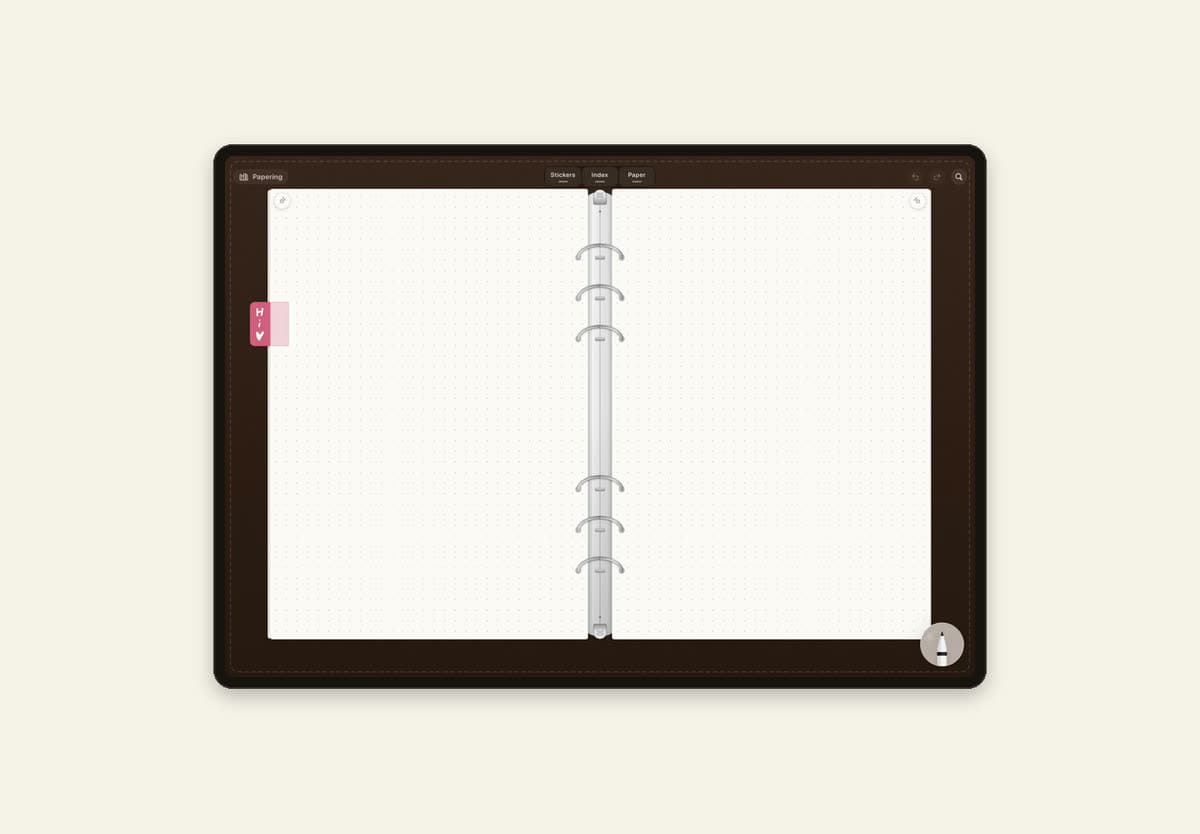
One page upright. Two pages sideways.
Hold your iPad upright for one page, or turn it sideways to open two side by side.
Index tabs
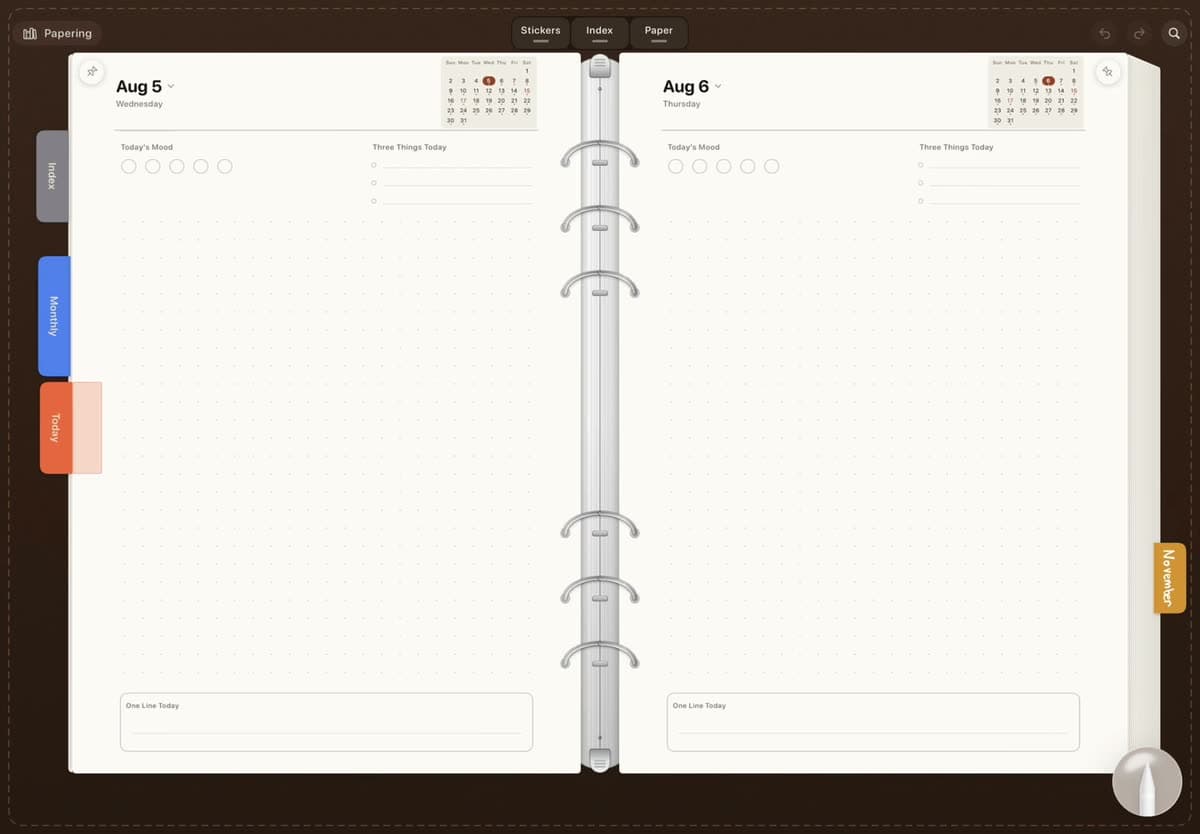
Tap — and it flips all the way there.
Stick an index tab on any sheet you want to come back to. Tap it, and the sheets in between flip past to take you there.
Things that stick
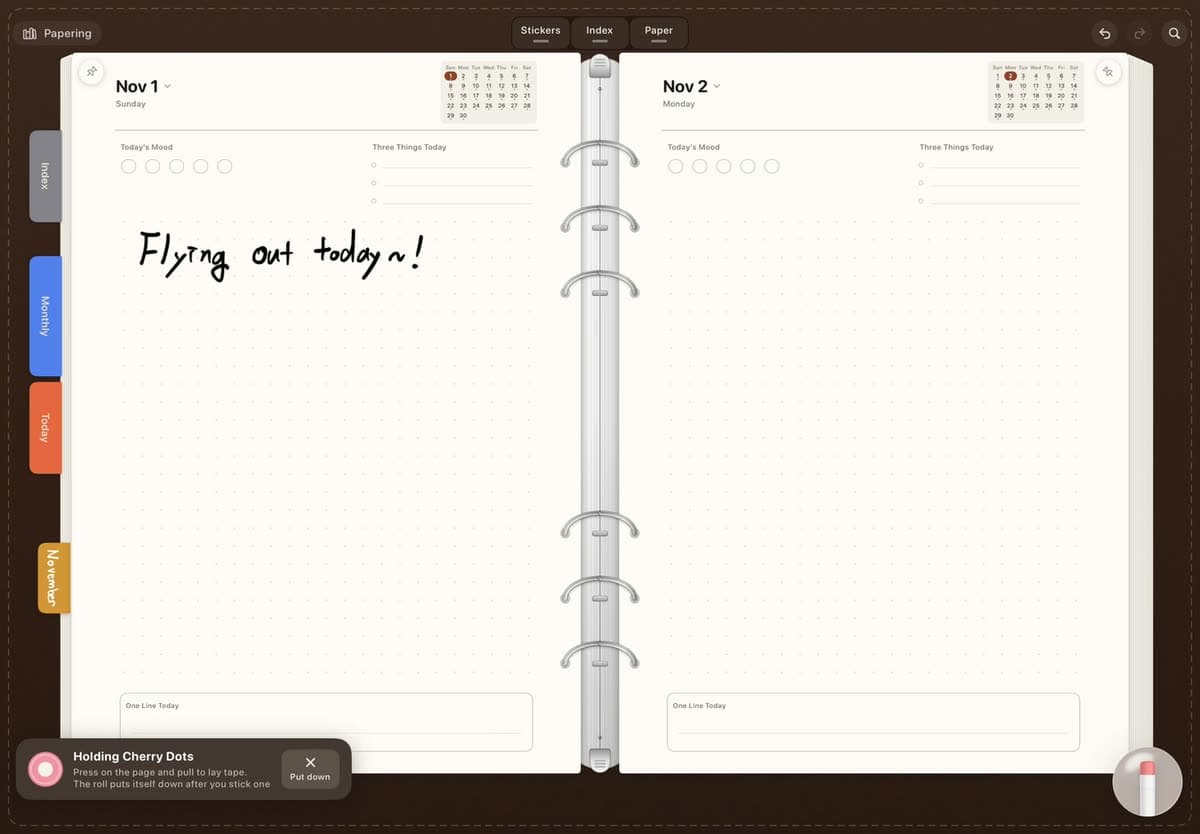
Stickers, tape, photos. Make the page yours.
Add stickers and photos, or pull out as much washi tape as you need. Everything you place on a sheet moves with it.
Handwriting search
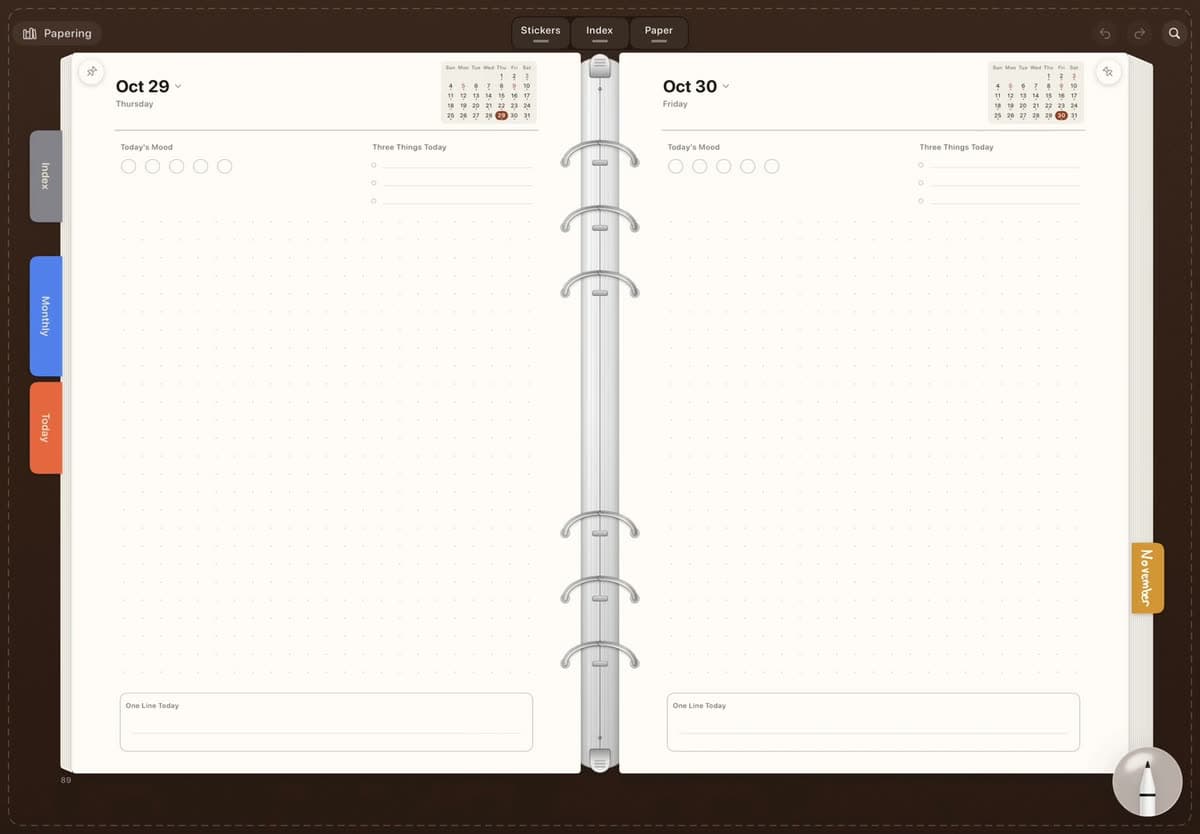
Write it by hand. Find it when you need it.
Search your handwriting whenever you need it. Recognition happens quietly on your iPad.
Your pages stay yours.
Papering does not collect the contents of your pages. Handwriting recognition runs on your iPad, and sync uses your iCloud account. The contents of your pages are never sent to a Papering server.
Read the privacy policyNow on the App Store
Papering is here.
Download it free and start writing. Pro and some stationery are one-time purchases, not subscriptions.
iPadOS 18.0 or later · macOS 15.0 or later
Get it on the App Store- Requires
- iPadOS 18.0 or later · macOS 15.0 or later
- Devices
- iPad (Apple Pencil optional) · Mac with Apple silicon
- Input
- Write and draw with your finger or Apple Pencil on iPad. Type with a keyboard on iPad and Mac.